Your AI consultant in Tulsa — put AI to work in your business
Give your team a practical way to use AI: the right tools, useful training, and workflows that take repetitive work off their plate. NSN handles implementation and ongoing support alongside the IT your business depends on.
From an idea to something your team can use
- AI opportunity assessment: review repetitive work, current tools, data access, and the business outcome you want
- Tool selection and setup, including Microsoft 365 Copilot where it fits the work
- Practical employee training using tasks, templates, and review standards from your business
- Written process standards, approved AI use, and permissions appropriate to the information involved
- Workflow automation and integrations with an agreed scope, testing, and documentation
- Ongoing user support, license reviews, and maintenance for the AI workflows covered by your agreement
You bring the business problem. We help put it to work.
You should be able to describe a slow process without knowing which AI product to buy. We work with you to understand the task, the information it needs, and what a good result looks like.
That might mean Copilot setup and training, a shared template, or an automation connecting several systems. The assessment gives you a prioritized plan before a wider rollout.
Our primary focus is businesses with 10 or more employees looking for a local team to manage their IT. Larger organizations are welcome when the service and scope fit.
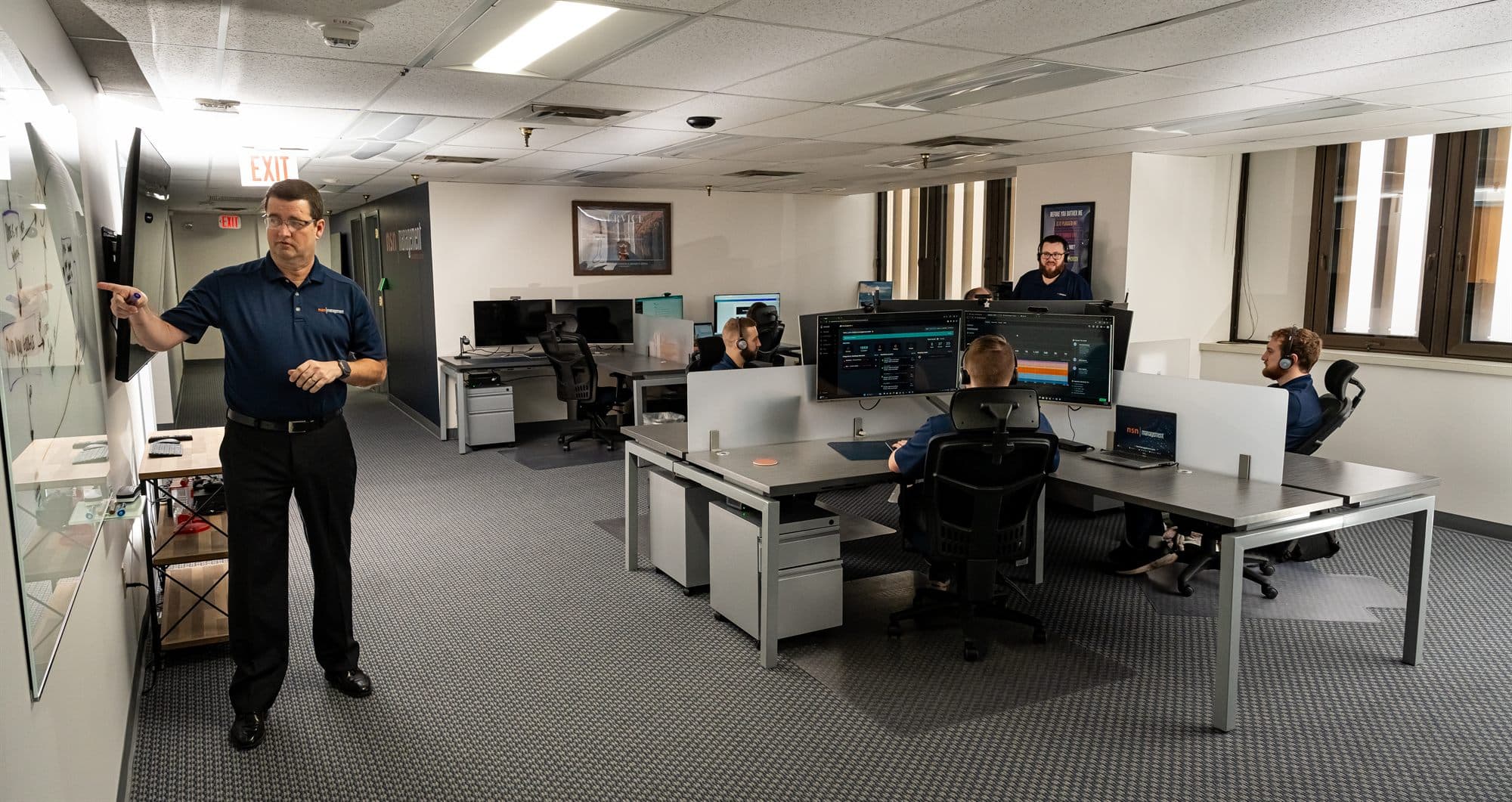
Where could your team get time back?
These are example workflows to evaluate with your team. The systems, data, and review steps determine what is practical.
Proposals and follow-ups
Turn approved notes, service information, and templates into a first draft. Your team reviews the details, pricing, and promises before anything goes to a customer.
Reports and office administration
Prepare recurring reports from approved exports, organize incoming requests, and route work to the right person. Keep source figures available so someone can check the result.
Company knowledge and procedures
Capture how experienced employees do a task, turn it into a written procedure, and help the team find approved instructions. Keep an owner responsible for keeping those instructions current.
- Creator of the Six A’s of AI
- Kaseya/Datto MSP of the Year 2025
- Inc. 5000 2026 honoree
- Running Tulsa IT companies since 1999
A method built by Sean. Delivered by NSN’s team.
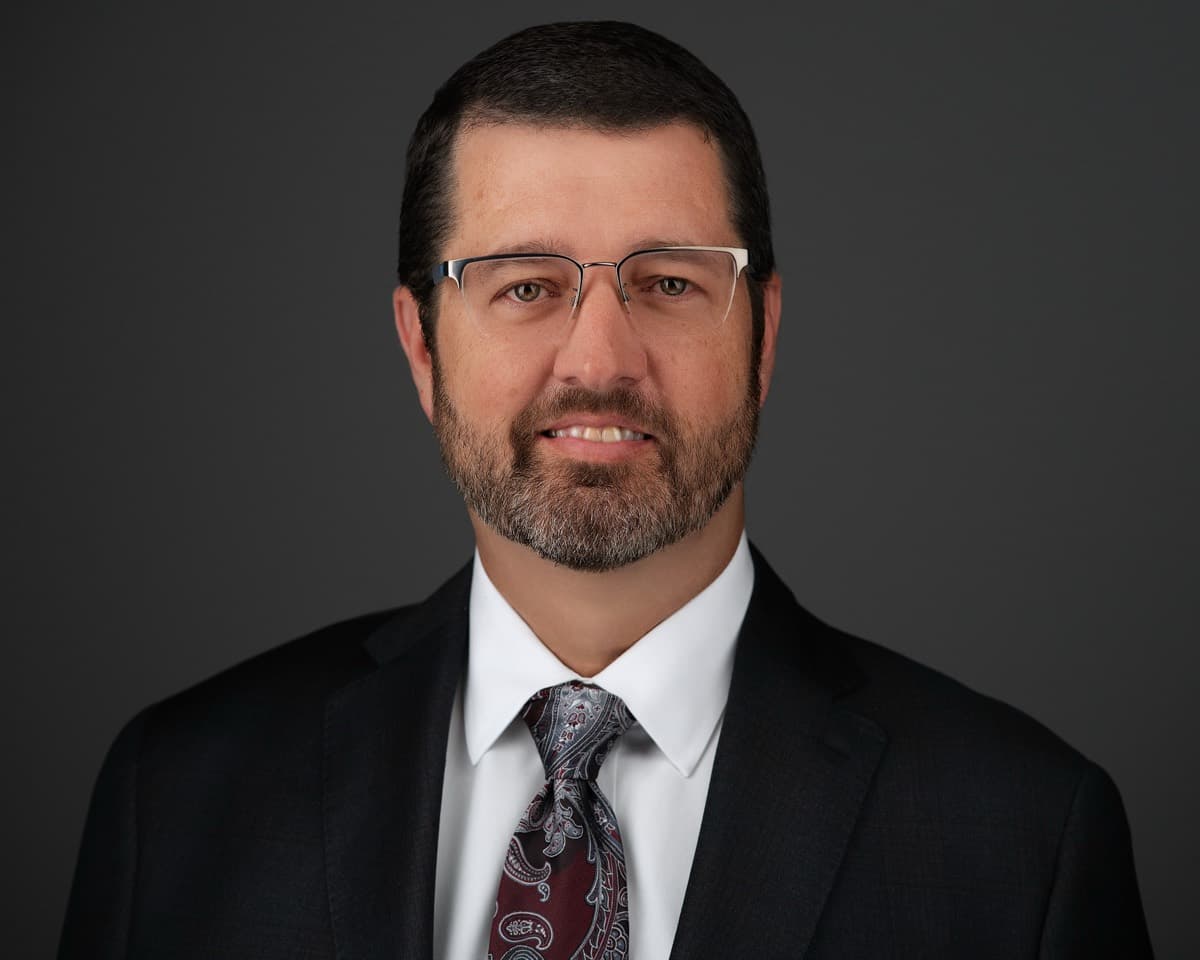
Sean Fullerton founded NSN Management in 2012 and has run managed IT companies in Tulsa since 1999. He created the Six A’s of AI after putting AI to work inside NSN, and he leads our AI practice. NSN’s engineers implement, train, and support the work, so your project does not depend on one person’s calendar.
Sean speaks to Tulsa-area business groups about using AI productively and safely, with examples from real businesses rather than a sales pitch. See upcoming talks, or read his full background.
A practical path from questions to useful work
The Six A’s is Sean Fullerton’s framework for discussing AI adoption. It connects the work you want to improve with the tools, standards, and support it needs.
1. Ask
Choose appropriate tools and learn how to check their answers.
2. Apply
Use AI for real tasks, with clear context and a person reviewing the result.
3. Align
Write down your processes, company voice, and standards for good work.
4. Augment
Build repeatable assistants and workflows using those standards.
5. Automate
Connect approved workflows to your systems, with permissions and oversight.
6. Advantage
Measure the business benefit and improve what earns its place.
Read the full Six A’s of AI field guide, or find a starting point with the free Six A’s assessment. Your result is available without an email address; a Discovery Call connects it to your business goals.
Choose a useful task. Prove it works. Build from there.
Find the opportunity
Discuss the repetitive work, the systems involved, and the outcome you want. Agree the scope of an assessment and implementation.
Run a focused pilot
Prepare the data and access, configure the workflow, train its users, and compare time, quality, and review effort with the current process.
Support what works
Document responsibilities, agree ongoing support, and expand only when the first workflow earns its place.
Someone owns the work after launch
Employees change roles, software changes, and useful workflows need attention. Ongoing support can cover user questions, refresher training, access and license reviews, and maintenance of agreed automations.
The support agreement identifies the tools and workflows covered, who handles exceptions, and how changes are approved. Additional integrations and new builds are scoped separately. Software subscriptions and usage charges are identified in the proposal.
AI support works alongside fully managed IT and Microsoft 365 management, so the people supporting the workflow also understand the environment behind it.
A local team that uses AI in its own work
Inside NSN, we use AI to help document procedures, prepare service reports, and classify incoming requests. That practical experience informs how we approach standards, review, and support for your business.
We serve Tulsa, Broken Arrow, Jenks, Bixby, Sand Springs, Sapulpa, and Owasso. Bring us the task you want to improve; we will help you work through the fit, the effort, and the support it needs.
- 4.8★ Google · 31 reviews
- Kaseya/Datto MSP of the Year 2025
- Inc. 5000 2026
- Tulsa-owned since 2012
Your questions, answered
What does an AI consultant do for a small or mid-sized business?
NSN Management helps you identify useful AI applications, select and configure tools, train employees, and connect repeatable workflows to your business systems. We start with the work and its cost today, then define a project with clear responsibilities, review steps, and measures of success. Ongoing support keeps the agreed tools and workflows maintained.
Do we have to use Microsoft 365 Copilot?
No. Copilot is one option, especially for teams working in Microsoft 365. We also help evaluate other business AI tools against your tasks, data requirements, existing software, and budget. The recommendation may combine an AI assistant with conventional automation where rules are more dependable than generated answers.
Can you train our staff to use AI?
Yes. Training covers tasks your people actually perform: drafting and reviewing documents, preparing meeting follow-ups, organizing information, and turning a repeatable process into a reusable template. We cover approved tools, appropriate data use, checking answers, and where a person must make the decision.
Can you automate work across our existing systems?
Yes. NSN delivers workflow automation and integrations. We first confirm the systems' supported connections, permissions, licensing, and data quality. Each project defines what triggers the workflow, what it may change, where approval is required, and who handles exceptions. The automation page explains common starting points.
How much does AI consulting cost?
The scope determines the price: how many workflows and systems are involved, how much preparation they need, and how many employees need training. An assessment, implementation project, software subscriptions, and ongoing support are identified separately in the proposal. New integrations and additional builds are scoped before work begins.
How do we know if an AI project is working?
Choose a repeatable task and record its completion time, review effort, errors, and volume before the pilot. Compare the same work afterward, including software and support costs. We look for dependable improvements in capacity, quality, or turnaround; time saved is not automatically a cash saving.
Who is NSN's AI service designed for?
Our focus is Tulsa-area businesses with 10 or more employees whose owners want an accountable local team to manage their technology. There is no fixed upper employee limit; fit depends on your systems and support needs. AI implementation and support work alongside NSN's fully managed IT offering.
Where do you provide AI consulting and training?
NSN Management serves Tulsa, Broken Arrow, Jenks, Bixby, Sand Springs, Sapulpa, and Owasso. Assessment, configuration, and support can be handled remotely, with local working sessions and staff training when useful. We agree the delivery plan with you before the project starts.
One team for AI and the IT behind it
Microsoft 365 Copilot
Readiness, licensing, training, and a pilot built around your team's everyday work.
Explore the service →Business Process Automation
Connect repetitive work across systems with testing, approvals, and ongoing maintenance.
Explore the service →Managed IT Services
The help desk, Microsoft 365 administration, security, and planning behind your business.
Explore the service →Bring us one task your team keeps repeating
We will discuss where AI could help, what needs to be in place, and the next step worth taking. Or call 918-770-9150.