
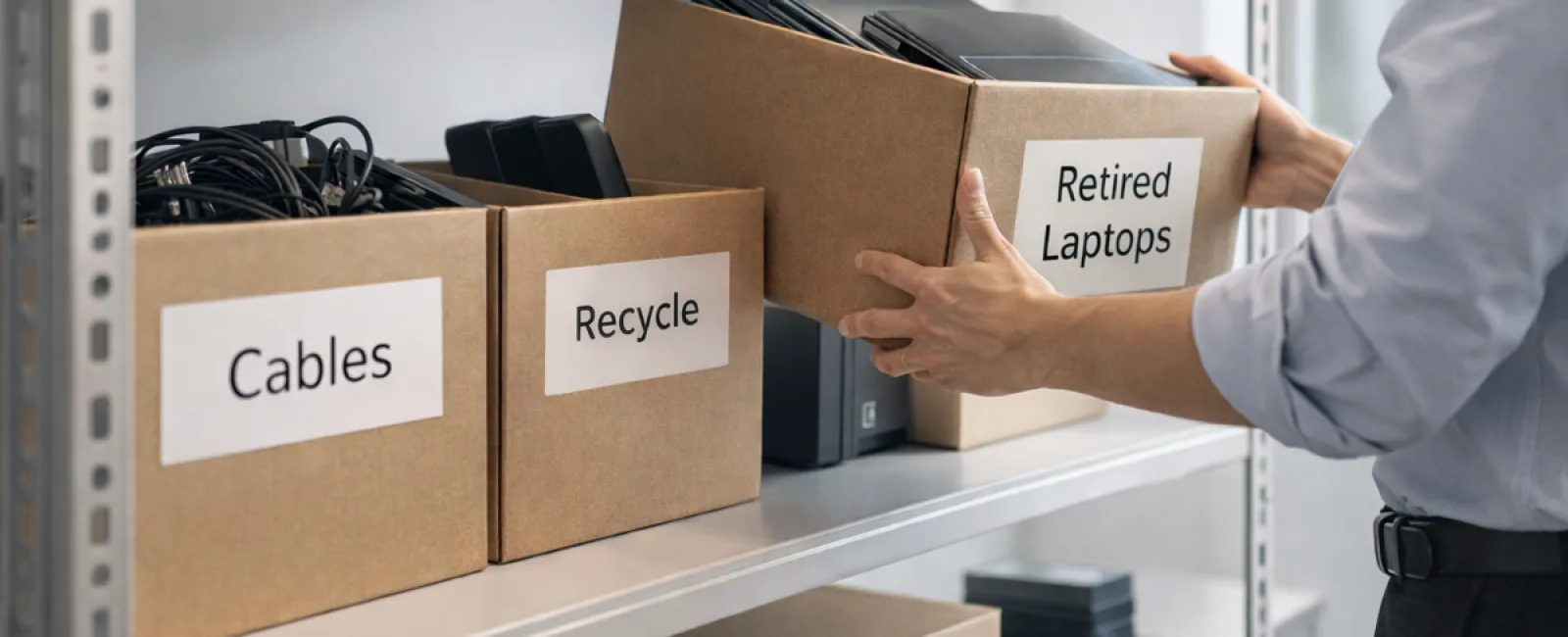
While spring cleaning often starts with closets, the true clutter in most businesses isn't limited to shelves.
It might be gathering dust on a server rack, hidden away in storage rooms, back offices, or tucked into piles labeled "address later."
Old laptops, outdated printers, backup drives from several upgrades ago, and boxes of cables no one wants to discard "just in case"—these are common business hangovers.
Virtually every company ends up with this kind of tech clutter.
The real question is not whether you have it, but whether you have a smart plan for what comes next.
The Technology Lifecycle Extends Beyond Purchase Dates
Purchasing new technology usually happens for clear reasons: improved speed, enhanced security, added capabilities, or to support growth.
While most businesses strategize their tech purchases, few design a plan for retiring outdated equipment.
Technology retirement often unfolds quietly—a device is replaced, then set aside, until someone eventually clears it away.
That's typical—but not ideal.
What's less common is approaching tech retirement with the same deliberate care as acquisition.
Used devices can still hold value, recyclable parts, and data needing secure removal. Left unaddressed, they create clutter and operational friction.
Spring is an ideal moment to pause and ask: Which equipment is still useful, and which is just taking up space?
Effective Steps to Declutter Your Technology
To transform this from vague intentions into action, follow our straightforward four-step plan.
Step 1: Conduct a thorough inventory
Identify exactly what you're retiring—laptops, smartphones, printers, network devices, external drives? You can't manage what you don't know exists, and a simple walkthrough often uncovers surprises.
Step 2: Decide each item's fate
Devices usually fall into three groups: reuse (within your company or donated), recycle (via certified e-waste programs), or destruction (when data security demands it). A purposeful decision here prevents hardware from languishing in storage limbo.
Step 3: Prepare each device carefully
This requires attention to detail.
If reusing or donating, remove devices from management systems, revoke access, and perform thorough data wiping—not just a superficial factory reset. Deleting files or a quick format leaves recoverable data behind.
Research from data security firm Blancco showed 42% of drives sold secondhand on eBay still contained sensitive files, such as tax records and passports, despite sellers claiming proper wipes. Certified data erasure tools overwrite all sectors and provide verification reports.
If recycling, choose only certified e-waste providers—not dumpsters or curbside pickup. Note: Best Buy's popular recycling program is for residential use only, not business equipment.
For commercial gear, work with certified IT asset disposition (ITAD) vendors or business-focused recyclers holding e-Stewards or R2 certifications (directories at e-stewards.org and sustainableelectronics.org). Your IT partner can help coordinate this.
If destruction is required, use certified wiping methods or physical device destruction (professional shredding or degaussing) and document serial numbers, methods, dates, and handlers.
This isn't paranoia—it's about securely closing the loop.
Step 4: Document and finalize the process
Once equipment leaves your premises, you should know its destination, how it was processed, and confirm all access is terminated. Documentation clears lingering uncertainties.
The Overlooked Devices
Laptops get most attention, but other tech often gets neglected.
Smartphones and tablets often retain email, contacts, and authentication apps. Factory resets handle much, but certified mobile wiping tools ensure complete data removal. Major brands like Apple and Samsung offer trade-in programs, providing credit even for older devices.
Modern printers and copiers typically contain internal drives storing all documents ever processed. For leased equipment returns, get written confirmation that these drives are wiped or removed before redeployment.
Batteries are classified as hazardous waste by the EPA; in states like California, New York, and Minnesota, businesses cannot legally discard rechargeable batteries in regular trash. Remove batteries when possible, tape terminals to prevent shorts, and take them to certified recycling centers. Call2Recycle.org offers a locator, and stores such as Staples, Home Depot, and Lowe's accept rechargeable batteries.
External drives and decommissioned servers often accumulate in storage for longer than intended. They aren't inherently problematic but deserve the same careful retirement process as other devices.
Important Insights on Recycling
Earth Day reminders each April spotlight the importance of responsible recycling.
Electronic waste should never reach landfills. Globally, over 62 million metric tons of e-waste are generated yearly, yet only about 22% receives proper recycling. Batteries, screens, and circuit boards require designated recycling pathways. Certified e-waste programs offered by many communities exist to address this.
Handled responsibly, tech retirement is operationally efficient, environmentally friendly, and strategically wise. You don't have to compromise security to be eco-conscious—you can achieve both.
It also reflects positively on your brand when shared modestly on social media. Customers notice when companies manage technology responsibly without making a spectacle.
Seizing the Bigger Opportunity
Spring cleaning is less about disposal and more about making room for growth.
Removing obsolete equipment is just one piece. Use this moment to ask: Does our technology support our business vision effectively?
Hardware cycles in and out, but software, systems, automation, and processes are what truly fuel productivity and maximize profits.
Properly retiring old tech is good practice; aligning your broader technology stack with your objectives is how you drive success.
How We Support You
If you already have a smooth equipment retirement routine, that's excellent—it should be straightforward and reliable.
At the same time, use this opportunity to evaluate your overall systems. Are your tools integrated? Is your technology propelling growth, or merely maintaining status quo?
If you want to explore how your tech stack, processes, and systems impact your productivity and profits, we're ready to have that conversation.
No sales pitches. No checklists. Just honest, practical advice on optimizing technology for your business.
Click here or give us a call at (918) 770-9150 to schedule your free 15-Minute Discovery Call.
And if this message inspires a fellow business owner, feel free to share it.
Spring cleaning goes beyond closets—it includes the technology that powers your business.


